

Top 10 Best CapCut Alternatives for Editing in 2026
CapCut is still one of the easiest video editors for short-form content, but it is not the perfect fit for everyone.
Some creators want a free CapCut alternative without watermark issues. Others need a stronger desktop editor, better brand templates, more timeline control, or a professional workflow for YouTube, client work, and long-form videos. The right choice depends on how you edit, where you publish, and how much control you need.
This guide compares the top 10 best CapCut alternatives for editing in 2026. Instead of only listing features, it explains who each app is best for, where it performs well, where it falls short, and which option makes the most sense for TikTok, Instagram Reels, YouTube Shorts, business videos, and professional projects.
Quick Comparison of the Best CapCut Alternatives
Before choosing an editor, think about your actual workflow. A TikTok creator does not need the same software as a filmmaker. A small business owner may care more about templates and brand consistency than color grading. A beginner may want speed, while a professional editor needs timeline control.
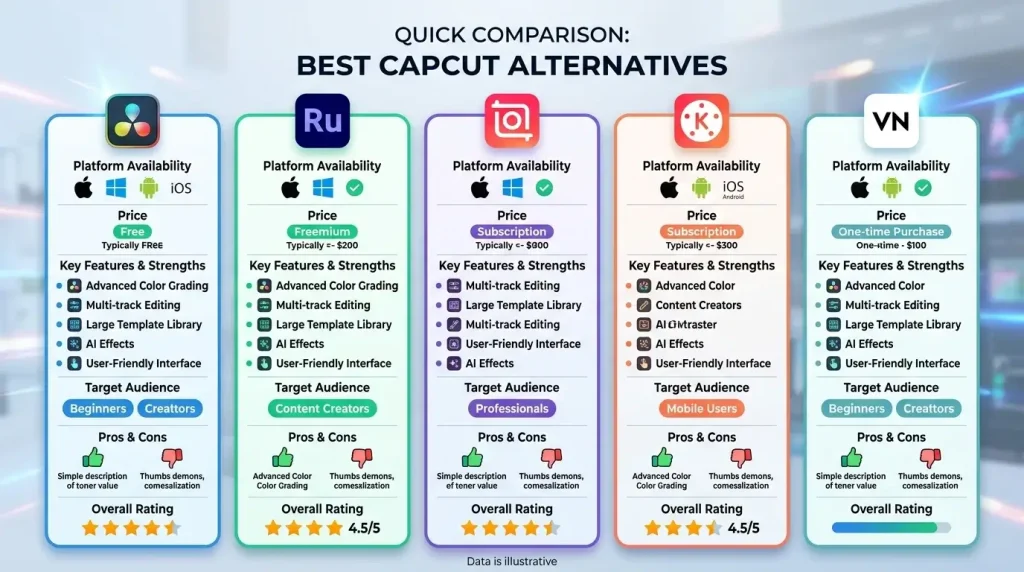
Here is a quick comparison to help you narrow your options.
| App | Best For | Platforms | Free Version | Watermark Status | Skill Level | Main Strength |
| VN Video Editor | Best overall free CapCut alternative | Android, iPhone, iPad, desktop/web support varies | Yes | No watermark on standard free exports | Beginner to intermediate | Simple editing with strong free tools |
| InShot | Fast social media editing | Android, iPhone, iPad | Yes | Free exports may include a watermark depending on the version/settings | Beginner | Quick edits for Reels, TikTok, and Stories |
| KineMaster | Mobile editors who want more control | Android, iPhone, iPad | Yes | Watermark-free export may require a paid plan | Intermediate | Layered mobile editing and advanced tools |
| Filmora | Beginner-friendly desktop editing | Windows, Mac, mobile | Yes/trial options vary | Watermark-free export usually needs a paid plan | Beginner to intermediate | Easy desktop editing with creative effects |
| Canva Video Editor | Brand and template-based content | Web, Windows, Mac, Android, iPhone, iPad | Yes | Depends on premium assets and plan | Beginner | Templates, brand kit, and marketing visuals |
| iMovie | Free Apple editing | iPhone, iPad, Mac | Yes | No watermark | Beginner | Clean, simple editing for Apple users |
| Clipchamp | Windows and browser editing | Web, Windows | Yes | Usually watermark-free for standard exports; premium assets may require paid access | Beginner | Templates, screen recording, and AI tools |
| DaVinci Resolve | Professional video editing | Windows, Mac, Linux, iPad | Yes | No watermark on standard free exports | Intermediate to advanced | Editing, color, VFX, and audio in one tool |
| LumaFusion | Premium mobile editing | iPhone, iPad, Android, ChromeOS | Paid app | No watermark | Intermediate to advanced | Pro-level editing on mobile and tablets |
| Final Cut Pro | Mac professionals | Mac, iPad | Paid/trial availability may vary | No watermark | Intermediate to professional | Fast Apple-focused professional editing |
What Makes a Good CapCut Alternative?
A good CapCut alternative should do more than trim clips. It should match the way creators actually edit today: fast timelines, vertical video formats, text tools, effects, clean exports, and simple sharing.
For social media creators, the best app should support TikTok, Instagram Reels, and YouTube Shorts formats. For business users, templates and brand tools matter more. For professional editors, timeline control, audio, color grading, and export quality are more important.
The right choice depends on four things: your device, your skill level, your budget, and the type of videos you create.
Top 10 Best CapCut Alternatives for Editing in 2026
1. VN Video Editor — Best Free CapCut Alternative
VN Video Editor is one of the best CapCut alternatives for users who want a free, simple, and capable video editor. It is easy enough for beginners but still useful for regular creators who edit TikTok videos, Instagram Reels, YouTube Shorts, vlogs, and quick social clips.
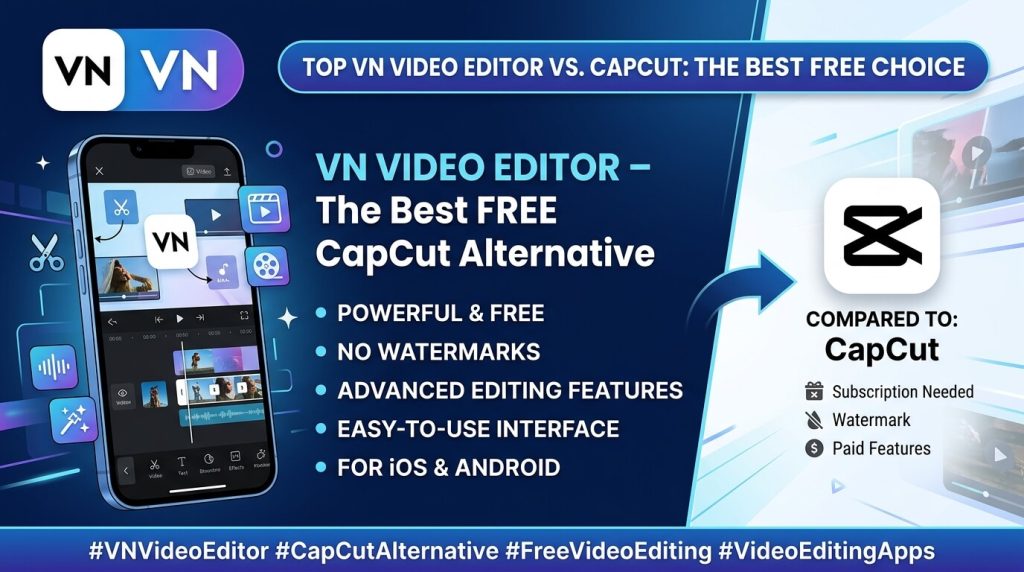
VN offers timeline editing, transitions, text tools, templates, music, speed control, and export settings. Its biggest advantage is that it feels clean and lightweight. You can edit without dealing with a crowded interface or too many distracting effects.
Best for: beginners, short-form creators, vloggers, and mobile editors.
Main limitation: VN is not ideal for advanced professional editing, heavy color grading, or complex audio work.
2. InShot — Best for Fast Social Media Editing
InShot is built for creators who want to edit quickly. If your main goal is to create Instagram Reels, TikTok clips, YouTube Shorts, stories, or simple promotional videos, InShot is one of the easiest apps to use.
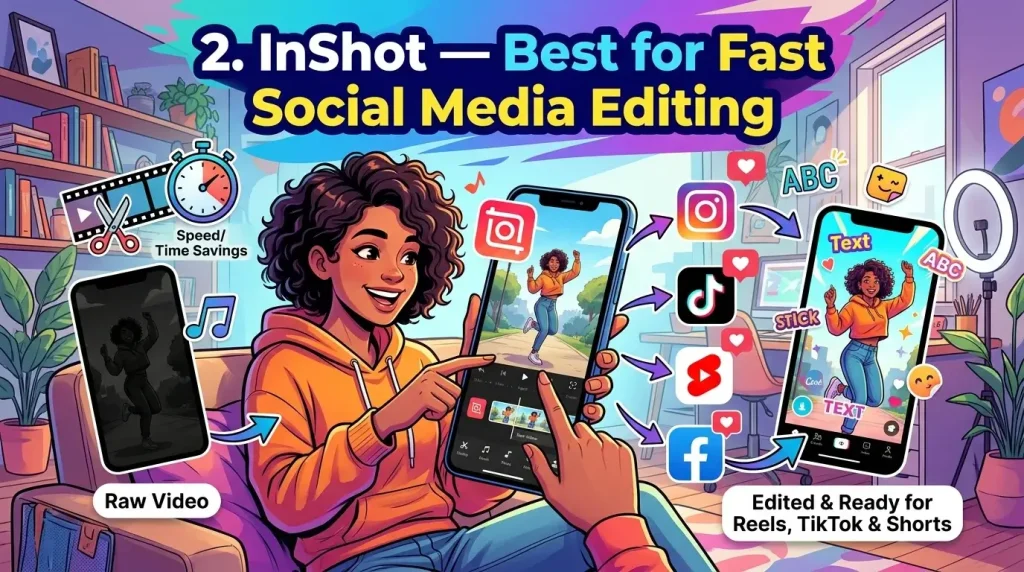
It includes trimming, splitting, music, filters, transitions, text, stickers, background blur, speed control, and social media canvas sizes. The app is especially useful when you need a polished video without spending too much time on editing.
Compared with CapCut, InShot feels simpler. It may not have the same level of advanced AI tools, but it is fast, practical, and beginner-friendly.
Best for: Reels, TikTok videos, short ads, stories, and quick edits.
Main limitation: It is not the best choice for complex layered editing or professional projects.
3. KineMaster — Best for Mobile Editors Who Want More Control
KineMaster is a strong CapCut alternative for mobile editors who want more creative control. It is more advanced than simple editing apps and works well for YouTube videos, tutorials, green screen edits, social content, and layered projects.
The app offers multi-layer editing, chroma key, keyframe animation, blending modes, audio tools, effects, stickers, text, and transitions. These tools make it useful for creators who want to build more detailed edits on a phone or tablet.
KineMaster is not as simple as VN or InShot, but it gives you more flexibility.
Best for: YouTubers, mobile editors, tutorial creators, and layered video projects.
Main limitation: The learning curve is higher, and some features or watermark-free exports may depend on the plan.
4. Filmora — Best Beginner-Friendly Desktop Alternative
Filmora is a good choice for CapCut users who want to move from mobile editing to desktop editing. It gives you a larger workspace without making the process too technical.
The software includes drag-and-drop editing, transitions, titles, templates, effects, music, audio tools, screen recording, and AI-powered features. It is useful for YouTube videos, business videos, tutorials, product clips, and social media content.
Filmora is easier to learn than professional tools like DaVinci Resolve, but it still gives more control than most mobile editors.
Best for: beginners, YouTubers, small businesses, and creators moving to PC or Mac editing.
Main limitation: Watermark-free exports and some advanced features usually require a paid plan.
5. Canva Video Editor — Best for Templates and Brand Content
Canva Video Editor is not the most advanced timeline editor, but it is one of the best alternatives to CapCut for branded content. If you create videos for a business, shop, personal brand, course, or social media page, Canva can save a lot of time.
It offers ready-made video templates, brand kits, stock media, animated text, social media formats, and team collaboration. The biggest benefit is consistency. You can keep your fonts, colors, logos, and style aligned across every video.
CapCut is better for trendy short-form edits. Canva is better for clean, branded, marketing-focused videos.
Best for: small businesses, marketers, Etsy sellers, coaches, educators, and social media managers.
Main limitation: It is not ideal for advanced timeline editing or professional post-production.
6. iMovie — Best Free CapCut Alternative for Apple Users
iMovie is a simple and reliable video editor for iPhone, iPad, and Mac users. It does not have CapCut’s large template and effects library, but it is clean, stable, and easy to use.
You can trim clips, add titles, insert transitions, use music, create trailers, and export polished videos. It is a great option for users who want basic video editing without paying for extra software.
iMovie works best when your goal is clean storytelling rather than trendy effects.
Best for: Apple users, students, family videos, simple YouTube edits, and beginner projects.
Main limitation: It is only available in the Apple ecosystem and lacks many social-first editing tools.
7. Clipchamp — Best CapCut Alternative for Windows Users
Clipchamp is a useful CapCut alternative for Windows users and people who prefer browser-based editing. It is simple, clean, and practical for everyday video projects.
The editor includes templates, stock media, screen recording, webcam recording, text-to-speech, captions, filters, transitions, and social media export options. It works well for tutorials, work videos, presentations, educational content, and quick social clips.
Clipchamp is not built for professional editing, but it is convenient for users who want to create videos without installing heavy software.
Best for: Windows users, students, teachers, office users, and casual creators.
Main limitation: It can feel limited for large projects, advanced effects, and professional workflows.
8. DaVinci Resolve — Best Professional CapCut Alternative
DaVinci Resolve is the most powerful CapCut alternative on this list. It is not just a video editor; it is a full post-production tool for editing, color correction, visual effects, motion graphics, and audio.
If you are serious about YouTube, filmmaking, client work, documentaries, or professional video production, DaVinci Resolve is one of the best choices. It gives you far more control than CapCut, especially for color grading, audio editing, and longer projects.
The free version is strong enough for many creators, which makes it a smart long-term option.
Best for: professional editors, filmmakers, advanced YouTubers, agencies, and creators who want desktop power.
Main limitation: It takes time to learn and needs a capable computer for smooth performance.
9. LumaFusion — Best Premium Mobile Editing Alternative
LumaFusion is a premium mobile video editor for creators who want professional-level editing on a phone or tablet. It is especially popular with iPad users, travel vloggers, mobile filmmakers, and creators who prefer touch-based editing.
The app includes multi-track editing, advanced timeline control, audio tools, effects, titles, color tools, and high-quality exports. It feels more serious than many mobile apps and gives creators more control than CapCut.
If CapCut feels too casual or template-focused, LumaFusion is a stronger mobile editing option.
Best for: iPad creators, mobile filmmakers, vloggers, and serious mobile editors.
Main limitation: It is a paid app and takes more time to learn than beginner-friendly editors.
10. Final Cut Pro — Best CapCut Alternative for Mac Professionals
Final Cut Pro is a high-end video editor for Mac and iPad users who want a professional Apple workflow. It is not designed for casual users who only make quick social clips, but it is excellent for serious editing.
Its Magnetic Timeline makes editing fast and flexible. It also supports advanced trimming, color tools, motion graphics, object tracking, multicam editing, and professional exports.
Final Cut Pro is a strong choice for YouTubers, agencies, filmmakers, and creators who already use Apple devices.
Best for: Mac users, professional YouTubers, agencies, filmmakers, and advanced creators.
Main limitation: It is paid software and mainly useful for users inside the Apple ecosystem.
CapCut Alternatives by Use Case
The best CapCut alternative depends on what you are creating. Here are the strongest choices by need.
Best Free CapCut Alternatives
If you want a free editor, start with:
- VN Video Editor
- iMovie
- Clipchamp
- DaVinci Resolve
VN is the best free choice for most mobile creators. iMovie is ideal for Apple users. Clipchamp is useful for Windows and browser editing. DaVinci Resolve is the strongest free option for professional desktop editing.
Best CapCut Alternatives Without a Watermark
If watermark-free export matters most, consider:
- VN Video Editor
- iMovie
- DaVinci Resolve
- LumaFusion
- Final Cut Pro
Clipchamp and Canva may also work well depending on your export settings, assets, and plan. Always check before publishing client or brand content.
Best CapCut Alternatives for Android
For Android users, the strongest options are:
- VN Video Editor
- InShot
- KineMaster
- LumaFusion
Choose VN for the best free balance, InShot for quick social posts, KineMaster for layered mobile editing, and LumaFusion for premium mobile editing.
Best CapCut Alternatives for iPhone and iPad
For iPhone and iPad users, choose from:
- iMovie
- VN Video Editor
- LumaFusion
- InShot
- Final Cut Pro for iPad
iMovie is best for simple, free editing. VN is better for short-form content. LumaFusion and Final Cut Pro are better for serious tablet editing.
Best CapCut Alternatives for PC and Mac
For desktop editing, the best choices are:
- Filmora
- Clipchamp
- DaVinci Resolve
- Final Cut Pro
- Canva Video Editor
Filmora is best for beginner-friendly desktop editing. Clipchamp is good for Windows and browser users. DaVinci Resolve is best for professional editing. Final Cut Pro is best for Mac professionals. Canva is best for branded content.
Best CapCut Alternatives for TikTok, Reels, and Shorts
For short-form content, consider:
- InShot
- VN Video Editor
- Canva Video Editor
- KineMaster
- Filmora
InShot is best for fast edits. VN is best for free, creator-friendly editing. Canva is best for branded social posts. KineMaster is stronger for layered mobile videos. Filmora is useful if you prefer editing short videos on a desktop.
Try two editors from this list with the same short video. Compare the editing speed, export quality, watermark settings, and ease of use. The one that feels easiest to use every week is the right choice.
CapCut Alternatives Compared: Which One Should You Choose?
Is CapCut Still Worth Using in 2026?
Yes, CapCut is still worth using in 2026, especially for short-form creators. It is strong for templates, captions, effects, quick edits, and social media videos.
You may need a CapCut alternative if you want better desktop editing, advanced color grading, different export options, professional timeline control, brand-focused templates, or a less template-heavy workflow.
For TikTok, Reels, and Shorts, CapCut is still a useful app. For professional editing, business content, or long-form projects, alternatives like DaVinci Resolve, Filmora, Canva, LumaFusion, and Final Cut Pro may be better.
Final Verdict: What Is the Best CapCut Alternative in 2026?
The best CapCut alternative depends on your editing needs.
For most users, VN Video Editor is the best overall free alternative. It is simple, clean, and strong enough for short-form editing.
For quick social media videos, InShot is the better choice. For beginner desktop editing, Filmora is easier to learn. For professional editing, DaVinci Resolve is the strongest option. For branded videos, Canva Video Editor is the most practical. For Apple users, iMovie is best for simple edits, while Final Cut Pro is better for professional work.
Conclusion
CapCut is still a strong video editor, but it is not the best choice for every creator. Some users need a simpler app, some need cleaner exports, and others need professional tools for desktop or mobile editing.
If you want a free CapCut alternative, start with VN Video Editor. If you edit fast social content, try InShot. If you want professional power, choose DaVinci Resolve. If you create branded content, Canva is a smarter option.
The best editor is not the one with the most features. It is the one that fits your workflow and helps you publish better videos consistently.